
 9 AM · Standup
Talking speed158wpm
Fasterusually 149
A speech coach for your whole day.
Free on Apple TestFlight.
Nothing happening?This app’s browser can block TestFlight. Tap ⋯ and choose Open in browser, or copy the link into Safari.

On a computer?Point your iPhone camera here to open the beta on your phone.
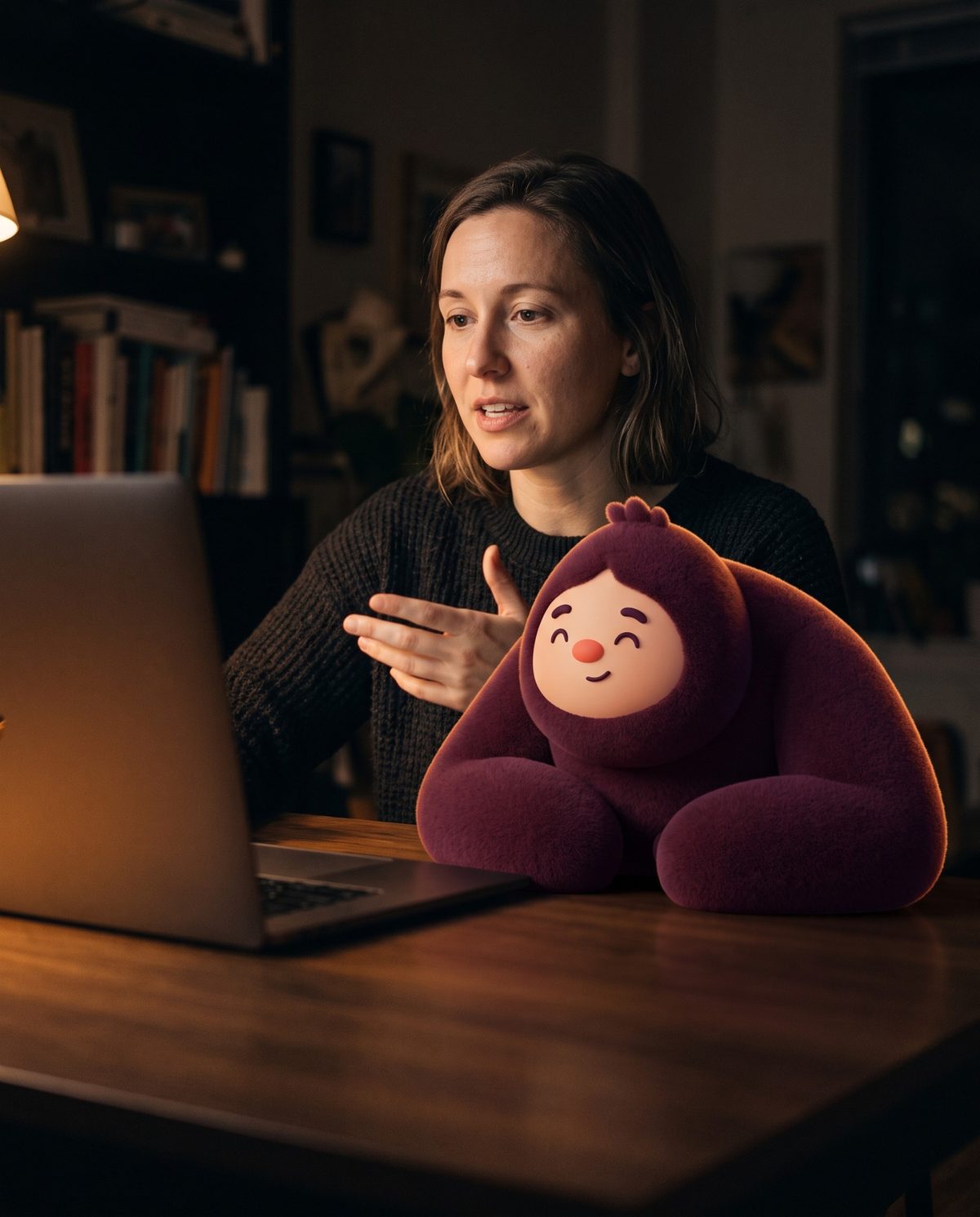
Rambling in standup. Rushing on the client call. The usual advice is to record yourself and listen back. Nobody does. Po does it for you, in your real conversations.
9 AM · Standup
 6 PM · Walking home
 7 PM · Client call
 9 PM · With friends
PoSpeech is available via Apple TestFlight for free.

Step 1 of 3
A speech coach for your whole day. Tap Record before a meeting, a call or a conversation. Po shows how you actually spoke and what to work on next.
Practice apps only hear your rehearsal. Po coaches the real meeting or call you record, then lets you practice what it found.
Po records only when you tap Record, and only your voice profile is scored. Recordings stay on your phone. To write your feedback, your own voice is turned into words by ElevenLabs, and the filtered transcripts go to our server, OpenAI and Anthropic, never the raw recording. We keep the feedback, not the recording. You can mute a recording, mark a talk as personal, or delete everything. The privacy policy has the rest.
Yes. PoSpeech is free.
An iPhone and Apple’s free TestFlight app. The beta link walks you through it.
Take a screenshot while using PoSpeech and TestFlight offers to send it to us with a note. You can also send feedback from the PoSpeech page inside TestFlight, or email us from the support page.
On a computer?Scan with your iPhone camera.